
TravelPot
Split costs, not friendships. Wspólne koszty bez kłótni.
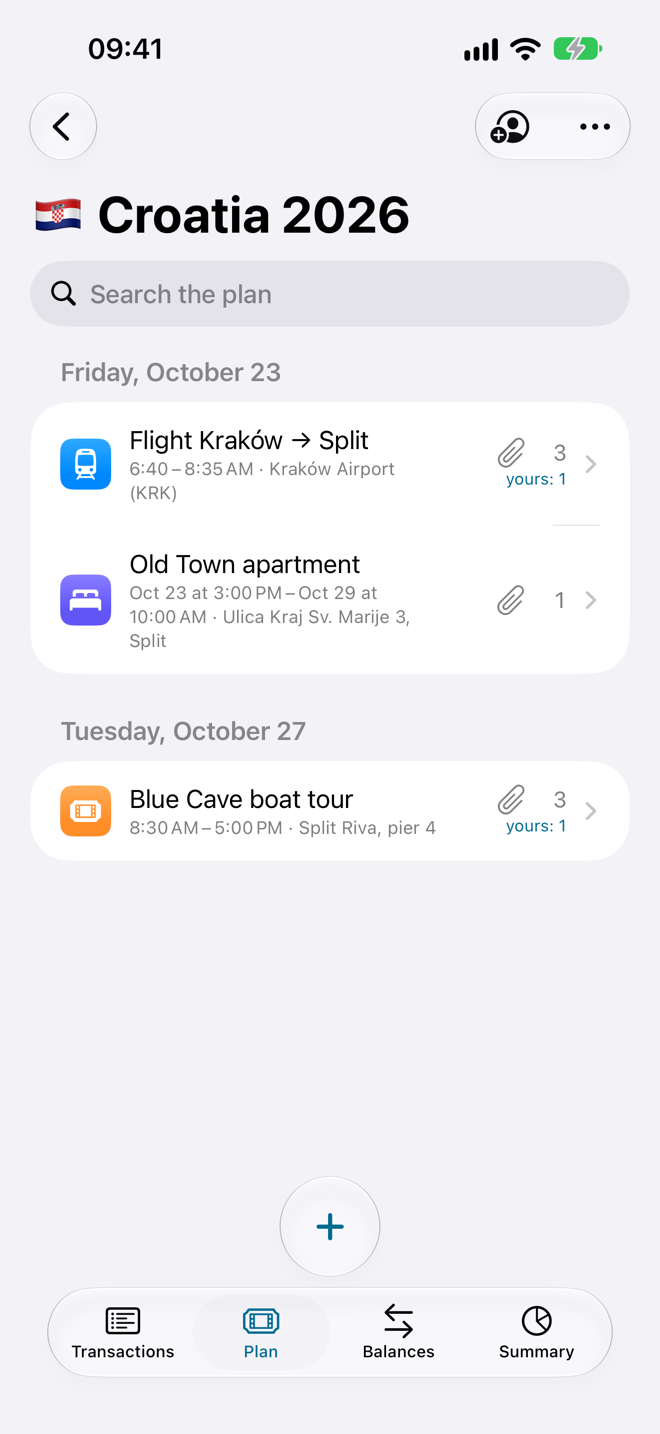
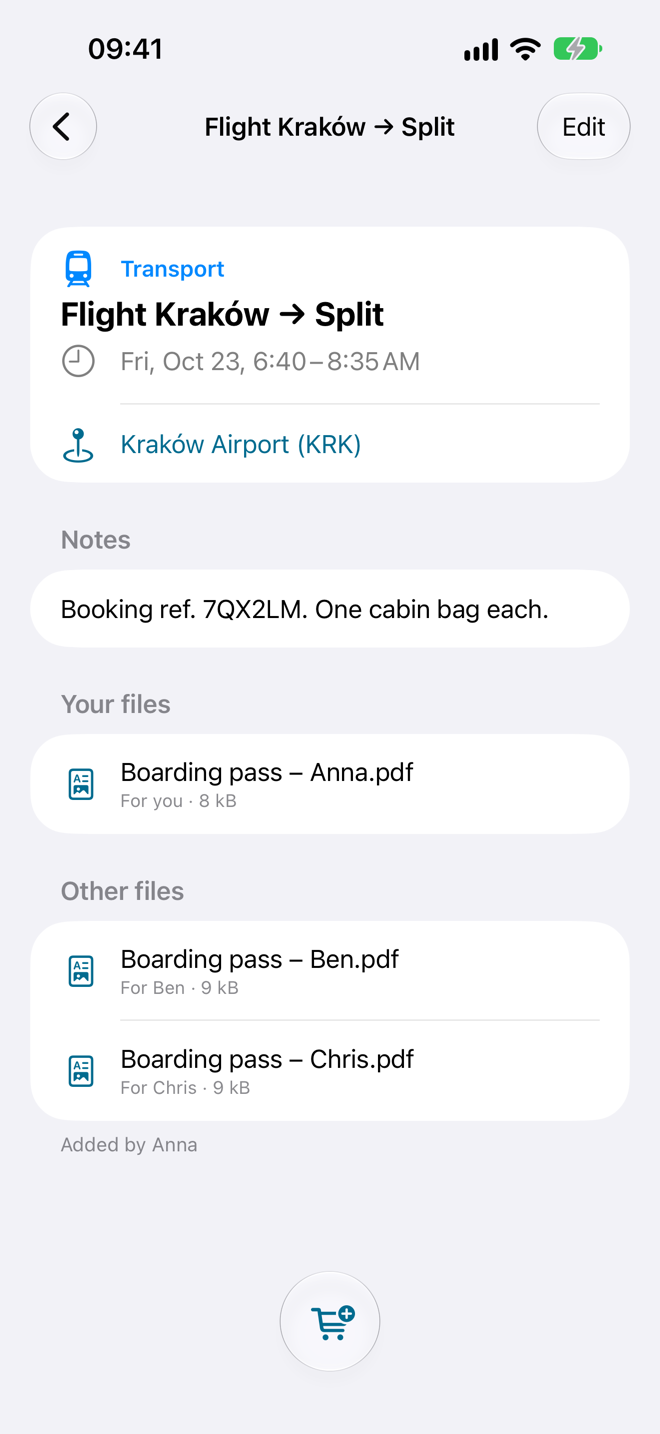
Keep the group's money straight while you travel: add expenses in any currency, see who owes whom and settle up in a minute. Tickets and bookings for the whole trip live in one place too.
iPhone · iOS 17+ · English, Polski
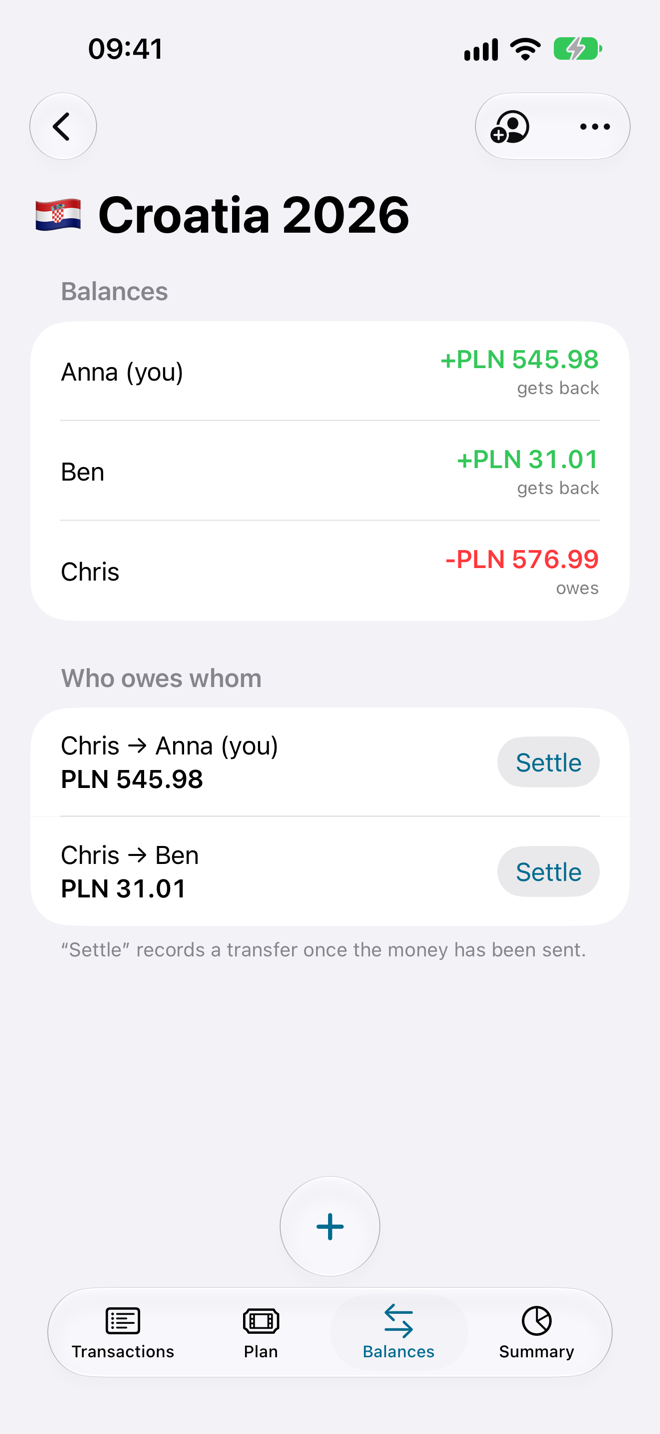
Settling up takes a minute, not an evening.
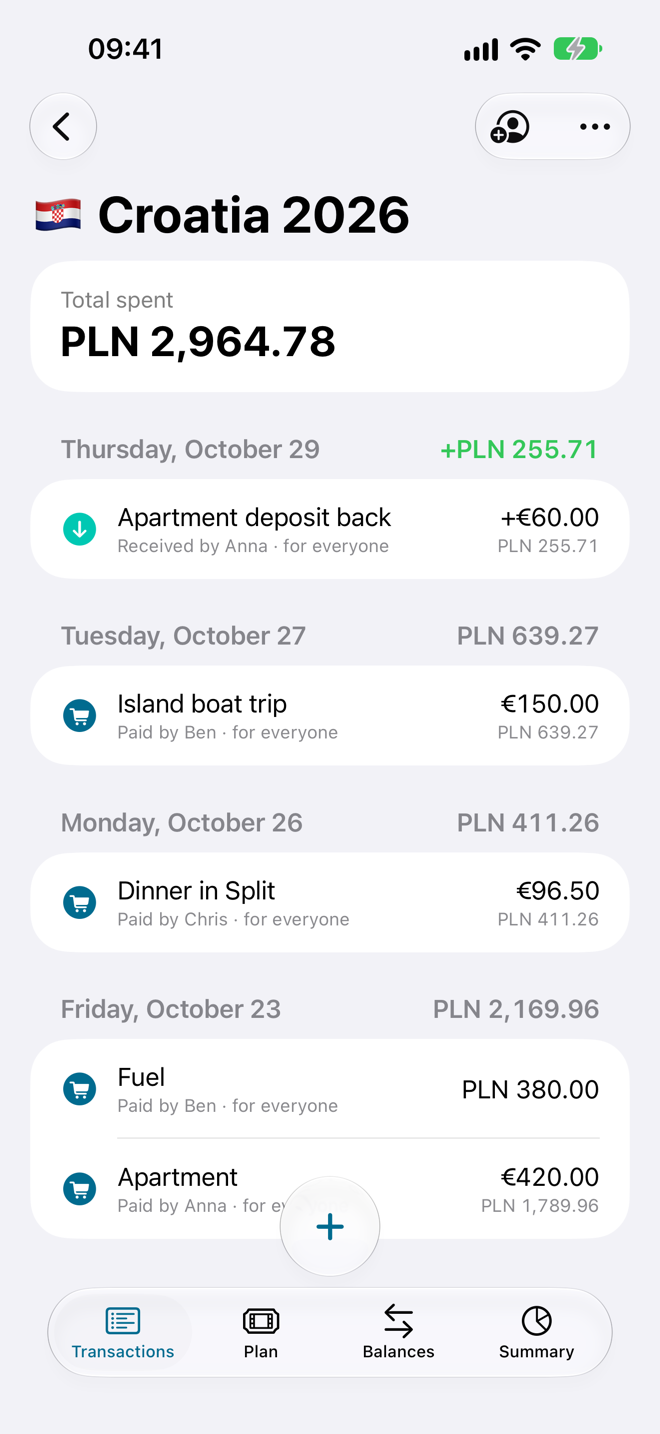
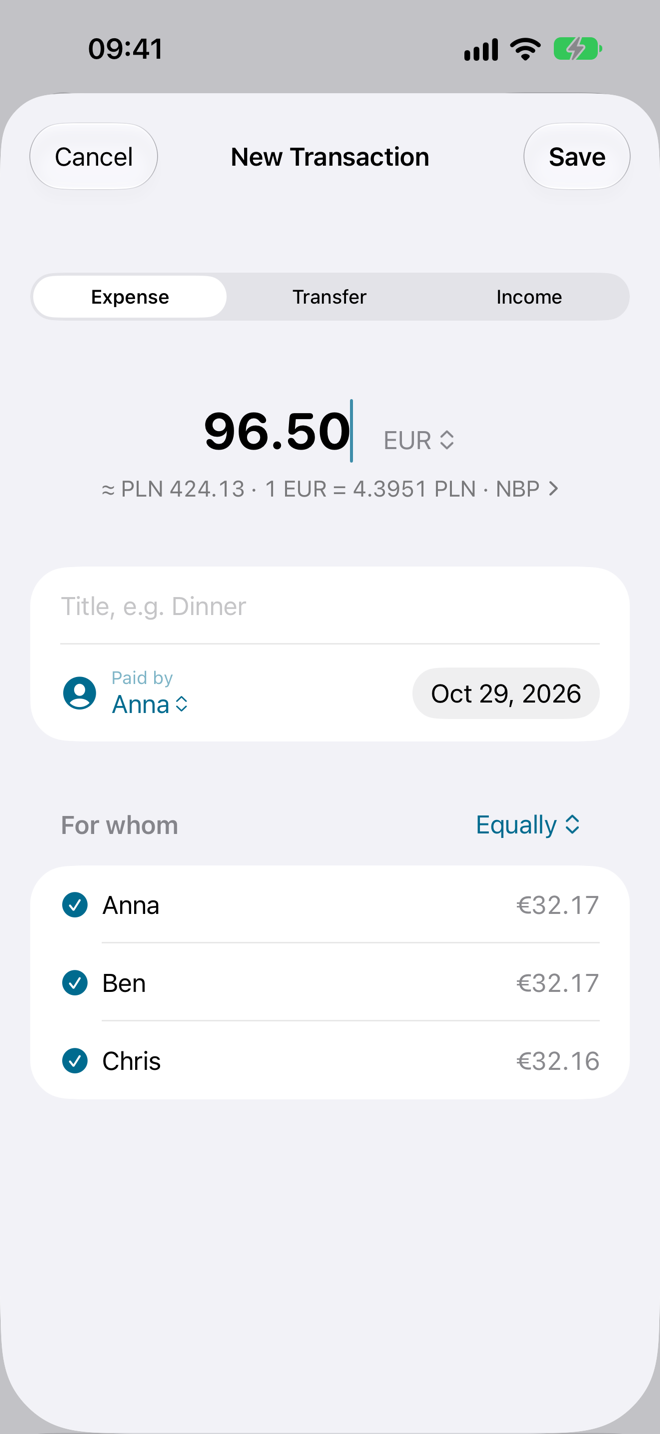
Split every cost
Equally, by shares or exact amounts. Any currency, converted with the daily rate for that date.
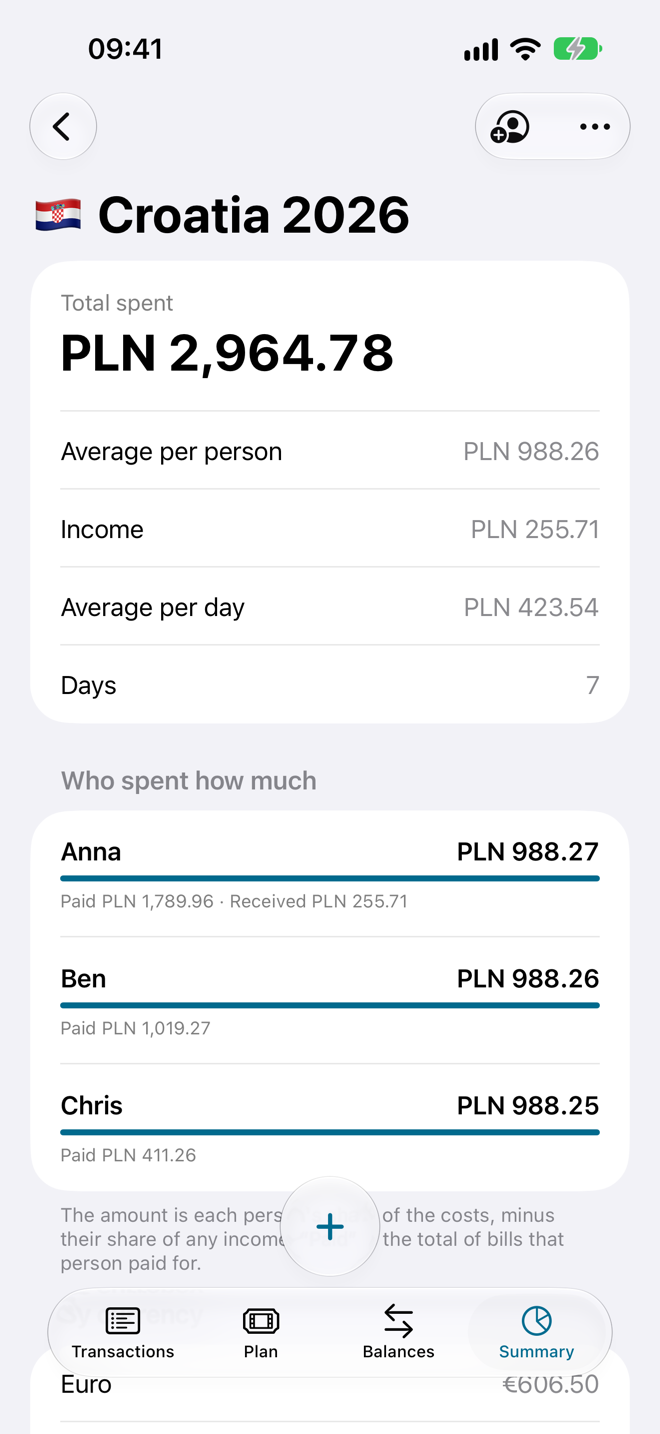
See who owes whom
Balances update as you go, with the fewest possible transfers to settle everyone up.
Travel together
Invite friends with a QR code or link. They join with iCloud, no sign-up, and use the trip for free.
Private by design
Your trips live in your own iCloud, not on our servers. No ads, no tracking.
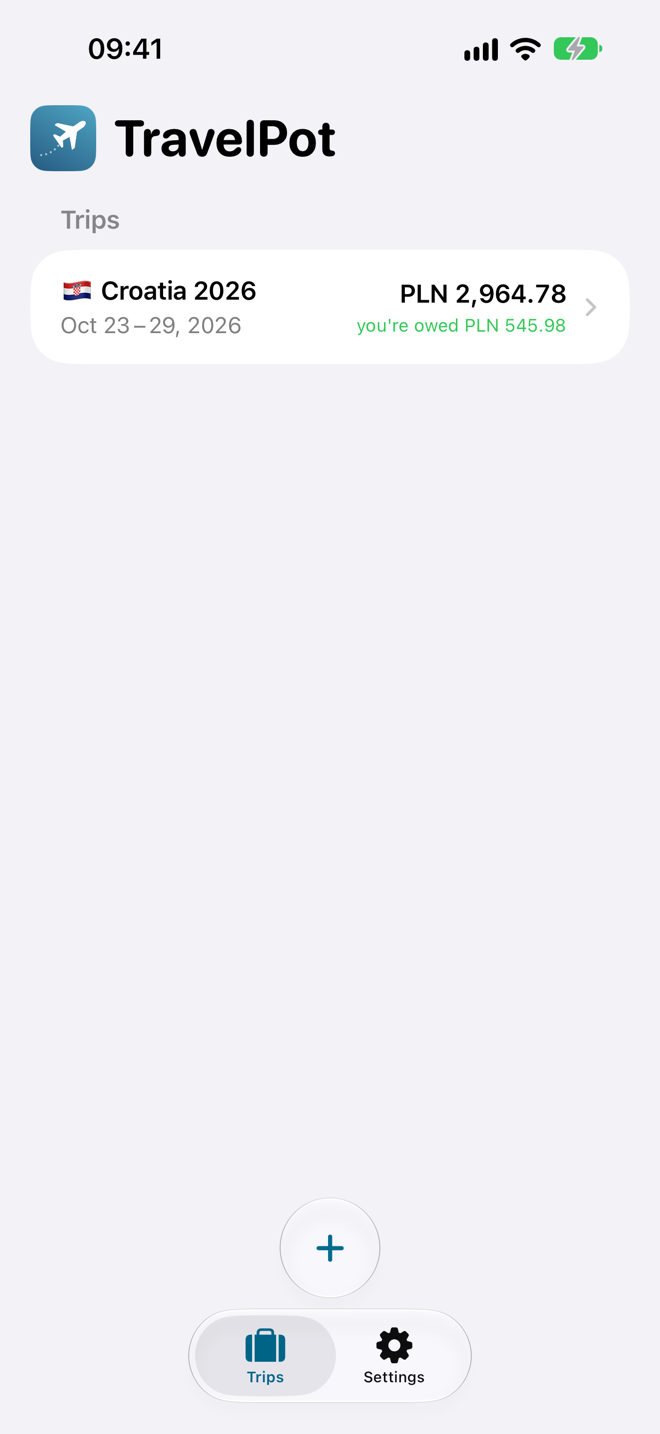
A look inside.
Need help? Potrzebujesz pomocy?
Write to us — we usually reply within two working days. Napisz do nas — zwykle odpowiadamy w ciągu dwóch dni roboczych.
support@trinitive.netFAQ
How do I invite friends to a trip?
Open the trip and tap the person icon at the top right. Your friends scan the QR code with the iPhone camera or open the link, and the trip appears in their TravelPot. They need to be signed in to iCloud.
Do my friends need a subscription?
No. Joining a trip you're invited to and adding expenses is free. TravelPot Pro is needed to create and edit your own trips.
My trip doesn't sync.
Check that you're signed in to iCloud (Settings → your name → iCloud) and that TravelPot is turned on under Apps Using iCloud. Changes can take a moment to arrive on other phones.
How do I cancel my subscription?
In TravelPot go to Settings → Manage Subscription, or in iPhone Settings → your name → Subscriptions. Your trips stay available to view after the subscription ends.
I got a new iPhone. How do I get my subscription back?
Sign in with the same Apple ID and tap Restore Purchases in Settings → TravelPot Pro.
Najczęstsze pytania
Jak zaprosić znajomych do wyjazdu?
Otwórz wyjazd i dotknij ikony osoby w prawym górnym rogu. Znajomi skanują kod QR aparatem iPhone'a albo otwierają link, a wyjazd pojawia się w ich TravelPot. Muszą być zalogowani do iCloud.
Czy znajomi muszą mieć subskrypcję?
Nie. Dołączanie do wyjazdu, na który Cię zaproszono, i dodawanie wydatków jest darmowe. TravelPot Pro jest potrzebne do tworzenia i edycji własnych wyjazdów.
Wyjazd się nie synchronizuje.
Sprawdź, czy jesteś zalogowany do iCloud (Ustawienia → Twoje imię → iCloud) i czy TravelPot jest włączony na liście aplikacji używających iCloud. Zmiany mogą dotrzeć na inne telefony z niewielkim opóźnieniem.
Jak anulować subskrypcję?
W TravelPot wejdź w Ustawienia → Zarządzaj subskrypcją albo w Ustawieniach iPhone'a → Twoje imię → Subskrypcje. Po zakończeniu subskrypcji wyjazdy nadal możesz przeglądać.
Mam nowego iPhone'a. Jak odzyskać subskrypcję?
Zaloguj się tym samym Apple ID i dotknij Przywróć zakupy w Ustawienia → TravelPot Pro.